
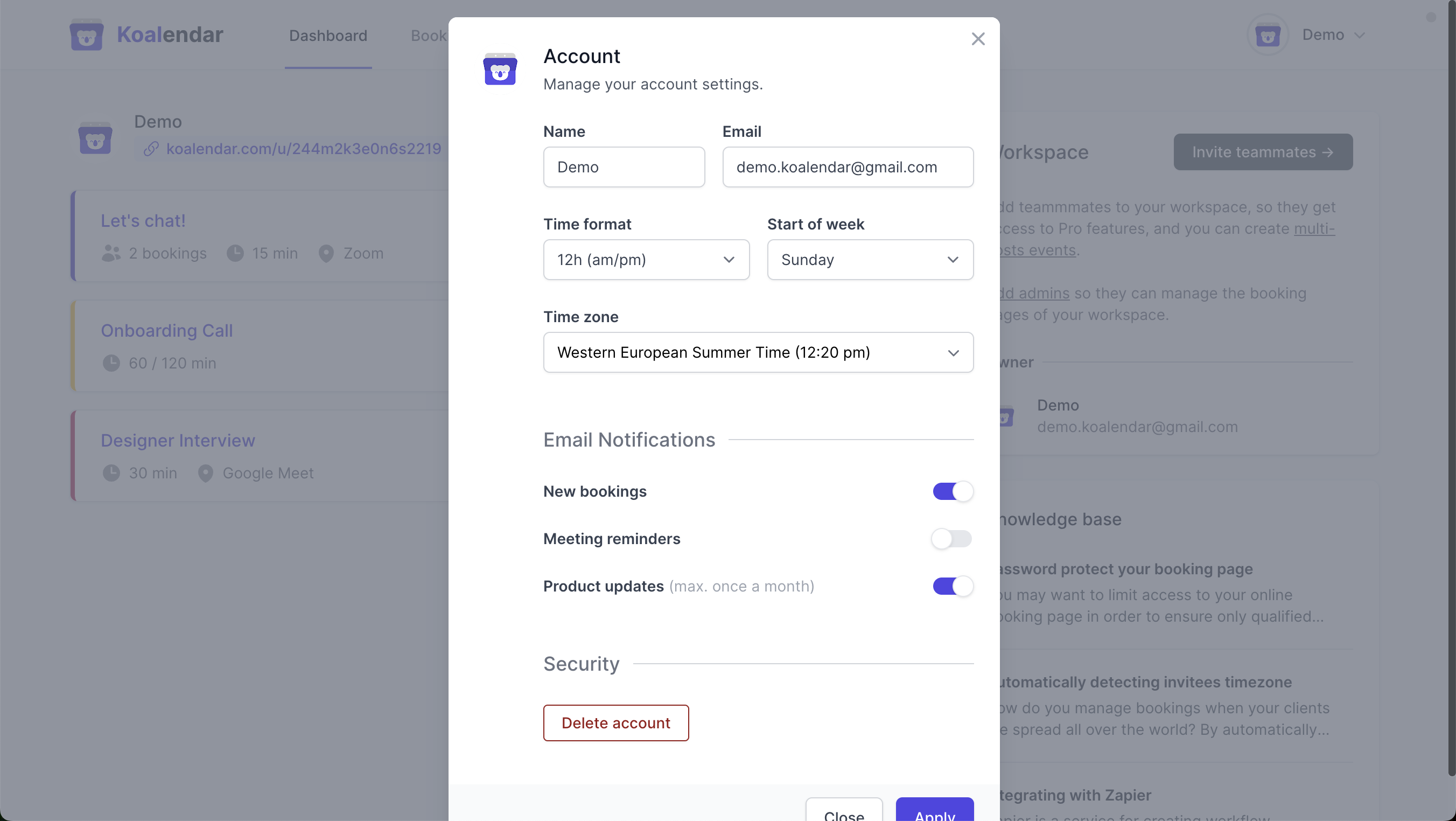
From your Koalendar dashboard, click on your profile (top right of the screen) then Account to edit the following settings:
- Profile picture (click on it at the top left to upload a different one)
- Name / Email
- Time Format (12h / 24h)
- Start of Week (Monday / Sunday / etc. )
- Time zone
- Email notifications (new bookings, meeting reminders, and product updates)
 Did this answer your question? Thanks for the feedback There was a problem submitting your feedback. Please try again later.Yes No
No results found
Did this answer your question? Thanks for the feedback There was a problem submitting your feedback. Please try again later.Yes No
No results found