
You can embed your Koalendar booking page on WordPress in two easy ways:
- Link a Button – add a “Book Now” button that opens your Koalendar page in a new tab
- Inline Embed – display your booking calendar directly on a page using shortcode
Option 1: Add a button, text, or image
1. Get your Koalendar booking page link.
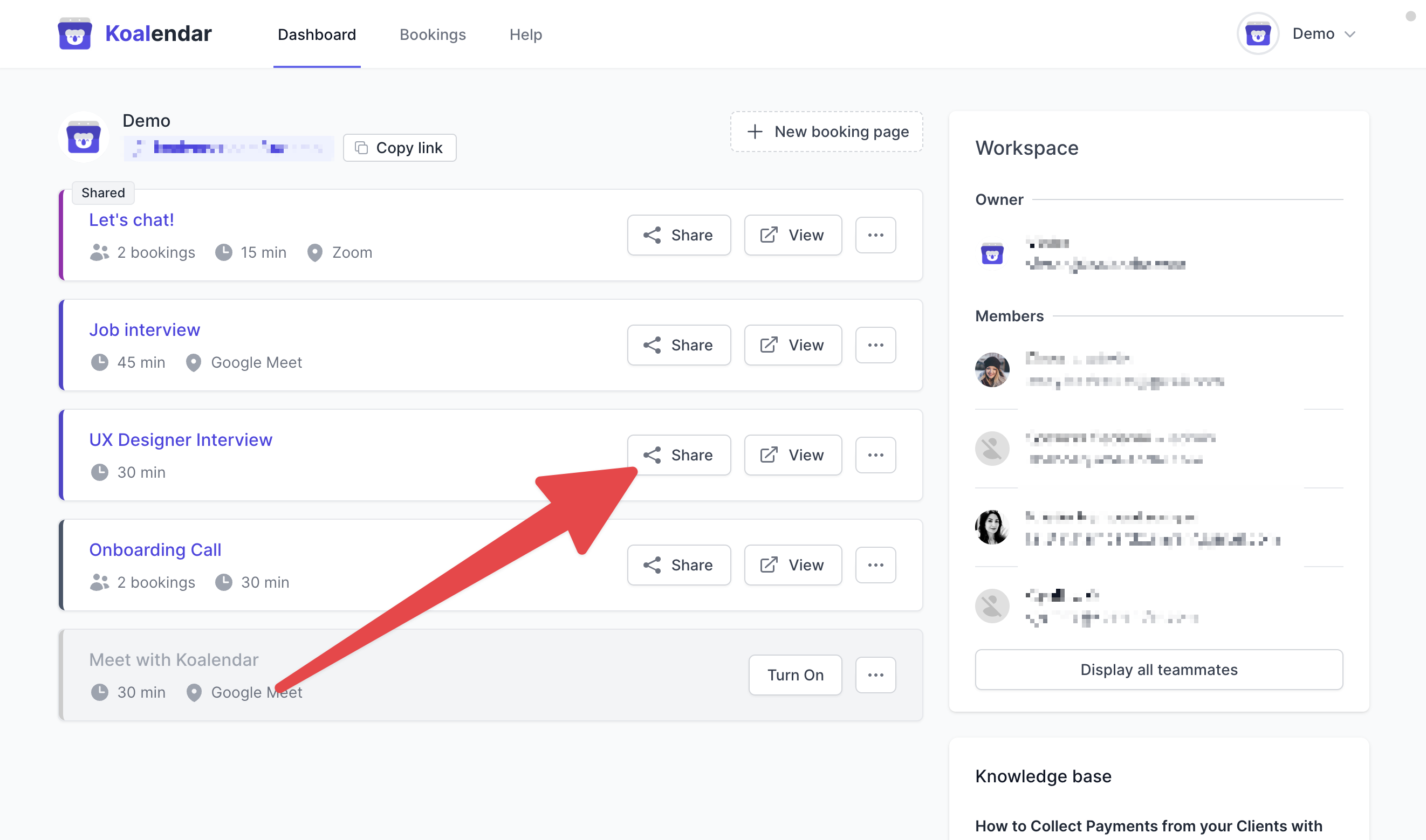
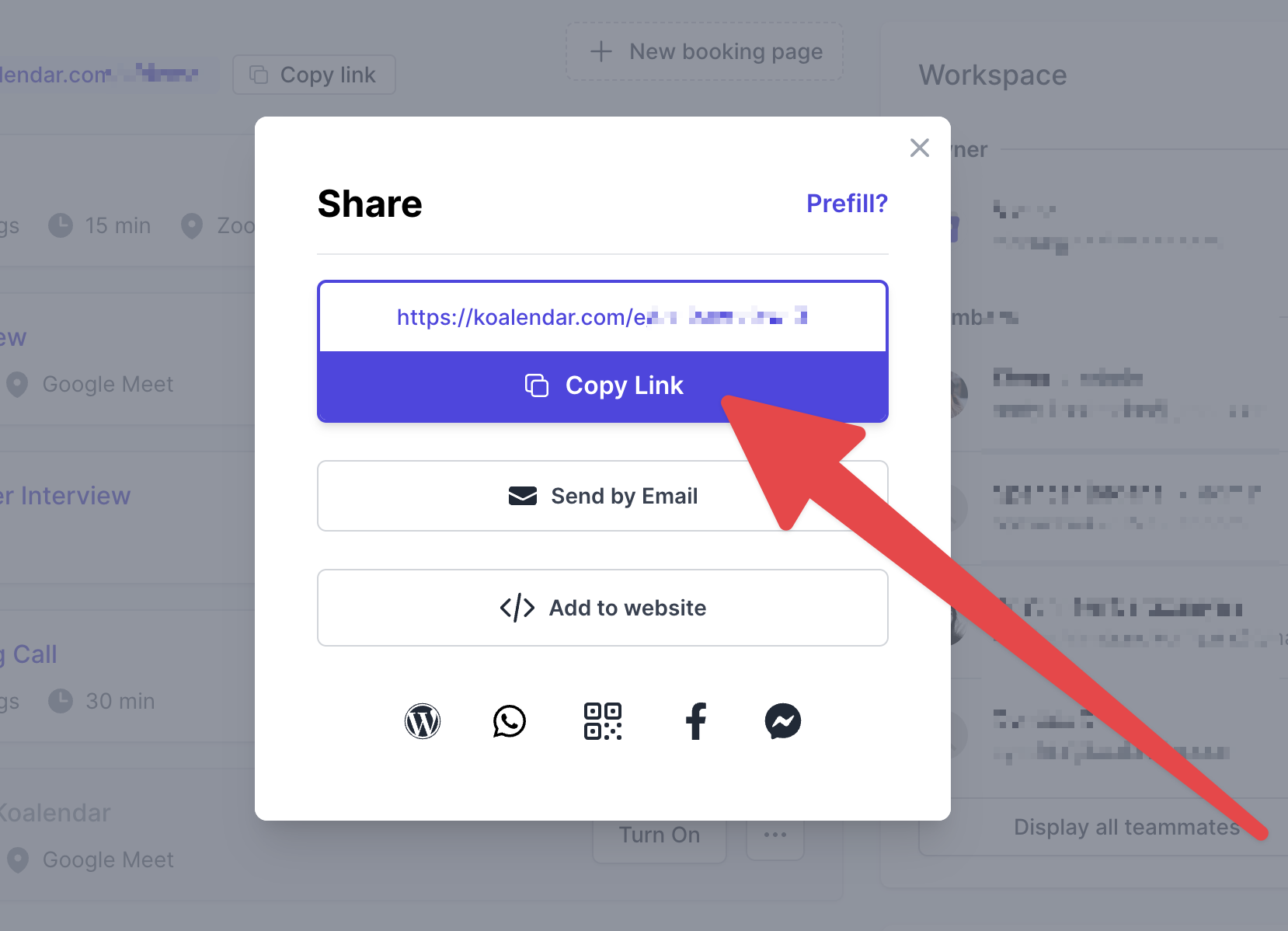
- Add a button, text or image to your Worspress site.
- Link your booking page link to your Wordpress button.
Option 2: Inline Embed with Shortcode
1. Install the Koalendar for WordPress plugin: https://wordpress.org/plugins/koalendar-free-booking-widget/
2. Copy your booking page link and add the shortcode [koalendar link=”YOUR-BOOKING-PAGE-LINK”] in the page or widget you desire to embed Koalendar in.
Did this answer your question? Thanks for the feedback There was a problem submitting your feedback. Please try again later.Yes No No results found